thumbnail image

Little Fire

  • Home
  • About Us 
    • About Us
    • Live Class
  • Competition 
    • Soccer
    • Introduction
  • Store 
    • Maze Solving
    • Store
  • Summer2026 
    • Summer2026
  • Robots 
    • Tutorial
    • Level2
    • Level3
    • Showcase
    • FAQ
  • …  
    • Home
    • About Us 
      • About Us
      • Live Class
    • Competition 
      • Soccer
      • Introduction
    • Store 
      • Maze Solving
      • Store
    • Summer2026 
      • Summer2026
    • Robots 
      • Tutorial
      • Level2
      • Level3
      • Showcase
      • FAQ

Little Fire

  • Home
  • About Us 
    • About Us
    • Live Class
  • Competition 
    • Soccer
    • Introduction
  • Store 
    • Maze Solving
    • Store
  • Summer2026 
    • Summer2026
  • Robots 
    • Tutorial
    • Level2
    • Level3
    • Showcase
    • FAQ
  • …  
    • Home
    • About Us 
      • About Us
      • Live Class
    • Competition 
      • Soccer
      • Introduction
    • Store 
      • Maze Solving
      • Store
    • Summer2026 
      • Summer2026
    • Robots 
      • Tutorial
      • Level2
      • Level3
      • Showcase
      • FAQ
    • Create Build Critical Team

    Little Fire Robot Academy

    For age 8-18

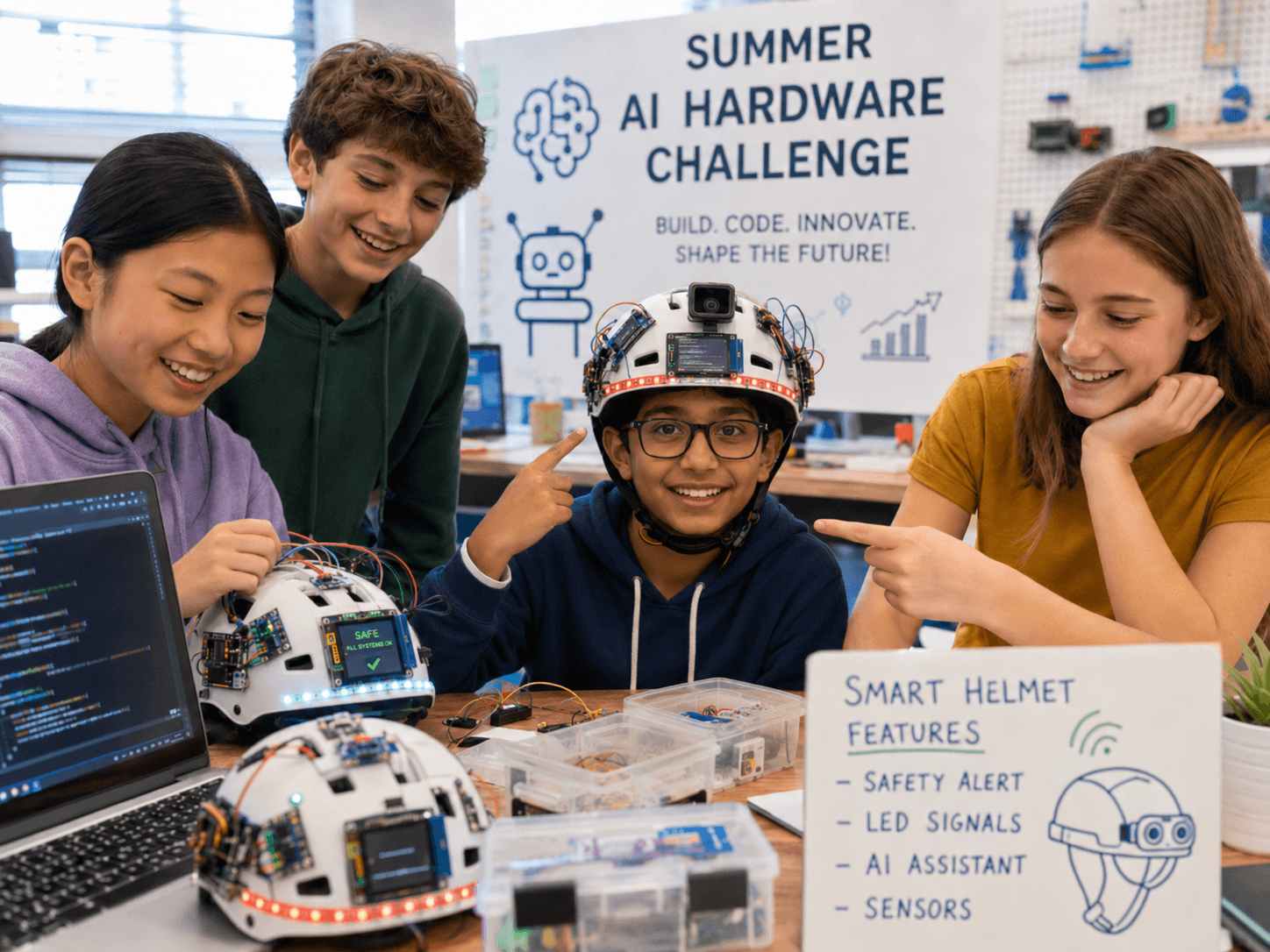
    2026 Summer AI Hardware Challenge

    Build the Future with AI, Robotics & Innovation

  • background image
    background image
    background image
    background image
    background image
    background image
    background image
    background image
    background image
  • Events Coming Up

    Weekend Workshops in Mountain View and Oakland

    Give your child the opportunity to connect with industrial robots.

    Join our Discord Channel

    https://discord.gg/JDrb6c5u

  • FireOtto

    Detail

    Fire Sweep Robot

    Fire Rover Eye Robot

    Programmable AI Voice-Interactive Panda Robot

    Computer Vision Class For Kids

    Detail

    Machine L

    Detail

    Jetson Nano and Jetbot

    Detail

    Maze Runner and Algorithms

    Detail
  • Our Clients


    Section image
    Section image
    Section image
    Section image
    Section image
  • 产品展示

    为每个产品添加详情和描述。

    All
    Level2
    Level3
    Arduino Robot Car

    Arduino Robot Car

    Little Fire Microbits Car

    Little Fire Microbits Car

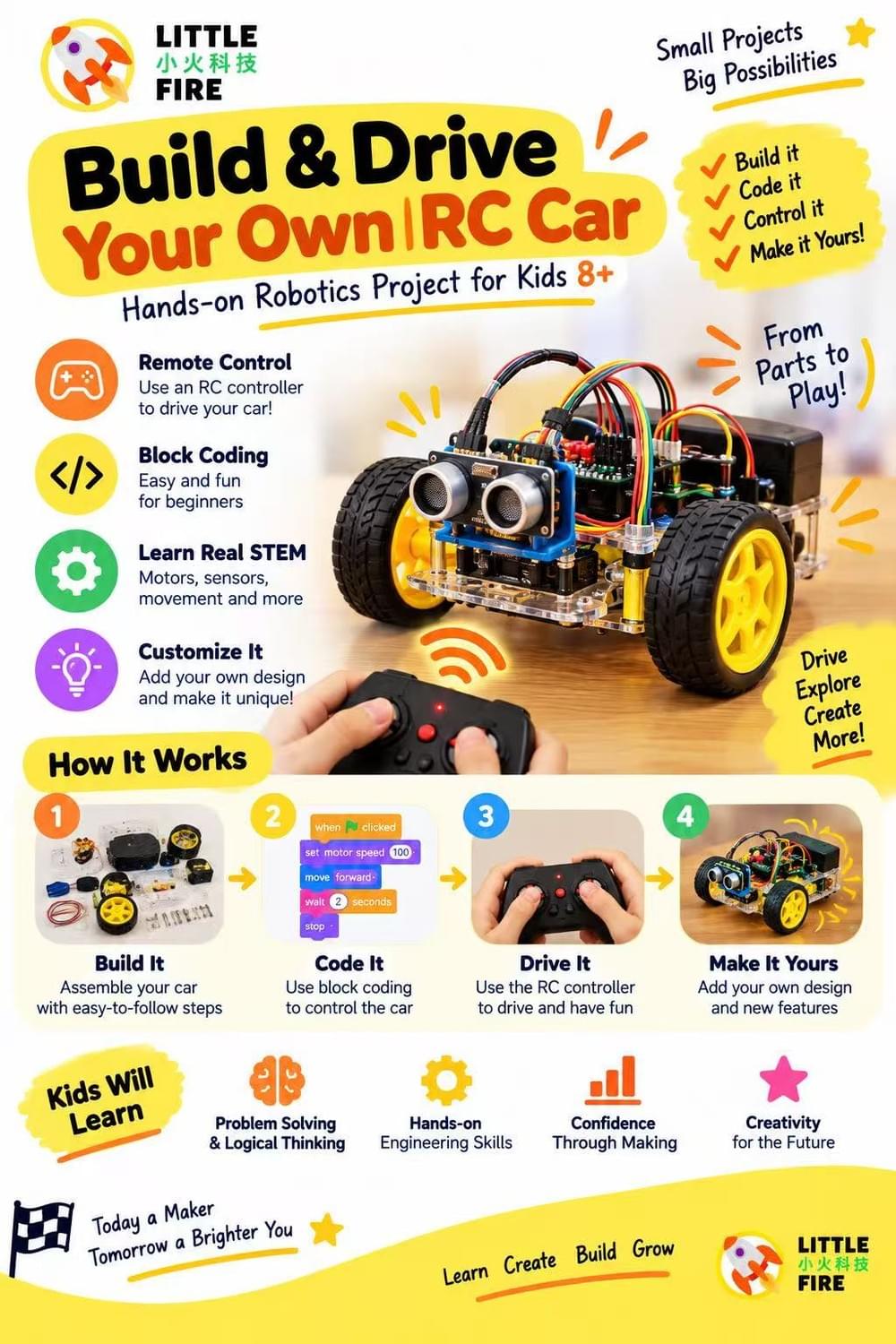
    Begin by assembling the chassis or structure for your car. You can use cardboard, plastic, or 3D printed parts to create a frame. Make sure to leave space for the Micro:bit and battery pack.

    Connect the motor driver board to the Micro:bit using jumper wires. Refer to the pinout diagram for the Micro:bit and the motor driver board.

    Connect the DC motors to the motor driver board using jumper wires. Be sure to connect the wires to the correct terminals on the board.

    Attach the wheels to the motors.

    Power the Micro:bit using the battery pack.

    Write the code to control your car using the Micro:bit's programming language, either using a web-based editor like MakeCode or a text editor like MicroPython.

    Test your code and make adjustments as needed.

    Once your car is working, you can add additional features, such as sensors or LEDs.
    View more details...
    Microbits Wood House

    Microbits Wood House

    Use microbits and sensors to make a smart house.
    View more details...
    Craft Robot

    Craft Robot

    Light up art installations: Micro:bits can be used to control LEDs, allowing artists to create stunning light displays. For example, a Micro:bit can be programmed to change the color and brightness of LEDs in response to sound, movement, or other inputs.

    Interactive sculptures: Micro:bits can be used to create interactive sculptures that respond to touch, movement, or other inputs. For example, a sculpture might contain sensors that trigger a sound or light display when someone approaches it.

    Wearable art: Micro:bits can be incorporated into wearable art projects, allowing artists to create custom clothing and accessories that light up or respond to other inputs.

    Kinetic art: Micro:bits can be used to control motors or servos, allowing artists to create kinetic sculptures that move in response to inputs or programmed behaviors.

    Digital art: Micro:bits can be used to create interactive digital art projects, such as generative art or digital installations.

    Overall, Micro:bits can add a new dimension to art projects, allowing artists to incorporate technology and interactivity into their work. With their ease of use and versatility, Micro:bits offer a wide range of possibilities
    View more details...
    Microbits Robot Car

    Microbits Robot Car

    The Micro:bit Car is a pre-built kit that includes a chassis, motors, wheels, and a motor driver board. This kit is a great option for beginners who want to get started with robotics and programming using the Micro:bit board. Here's how to use the Micro:bit Car:

    Assemble the car according to the instructions provided. The kit includes all the necessary parts and tools for assembly.

    Insert the Micro:bit board into the slot on the car's chassis. The board should snap into place securely.

    Connect the motors to the motor driver board according to the instructions provided. The motor driver board should be connected to the Micro:bit board using jumper wires.

    Power the Micro:bit board using a battery pack or USB cable.

    Write code for the Micro:bit using a programming language such as Microsoft MakeCode, Python, or Scratch. The Micro:bit Car comes with pre-written code for basic functions like moving forward and turning.

    Download the code onto the Micro:bit board and test your car.

    Once your car is working, you can modify the code to add additional features, such as line following or obstacle detection.

    View more details...
  • CONNECT WITH US

    facebook  Group
    Section image
    Section image
  • Tax ID:37-2057630

  • Workshops

    Build a custom-designed high-quality smart AI-enabled robot from scratch, learn to program it using advanced robotics elements including Microbits, Arduino Uno/Arduino Nano, Raspberry Pi,  motors, sensors and more. Take the robot home with you once built!

    ​

    Location: Oakland, California

    Build your first robot with Arduino

    Panda Robot: $99 2hours

    Section image

    Robot Car: $249 3hours

Little Fire Corp

    Cookie Use
    We use cookies to ensure a smooth browsing experience. By continuing we assume you accept the use of cookies.
    Learn More